
Removing a scan from a project
Removing the mapping of a scan removes the scan data from the BOM.
To remove a mapping:
-
Log in to Black Duck.
-
Do one of the following:
-
Click
 .
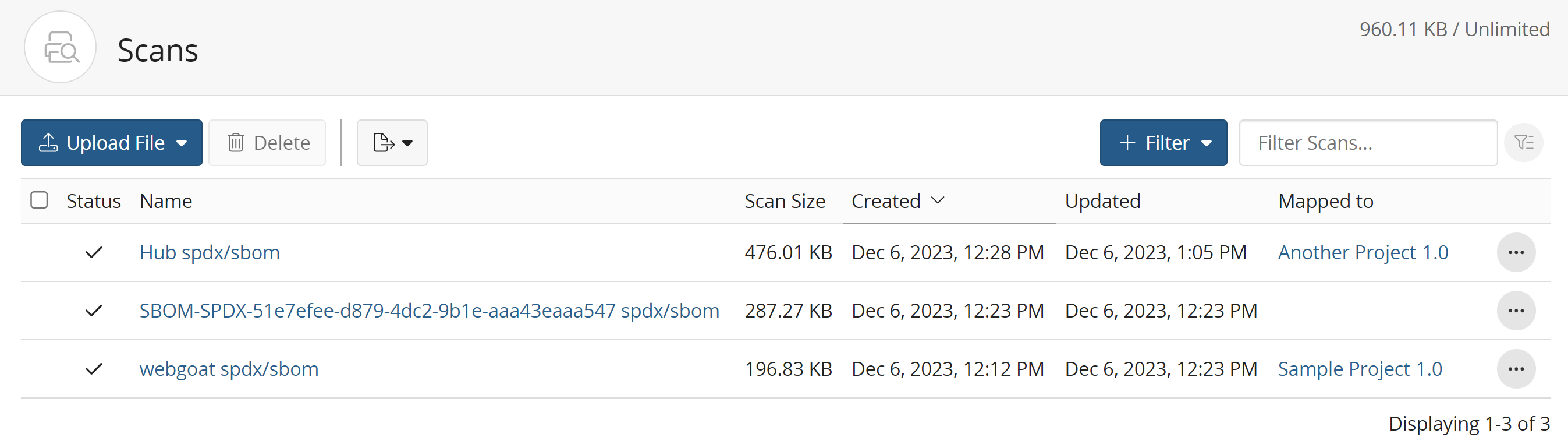
.
-
From the Settings tab for a project version, select Scans.

-
-
Click
 and select Unmap from Project in the row of the scan that you
want to remove the mapping.
and select Unmap from Project in the row of the scan that you
want to remove the mapping. -
Click Remove to confirm.